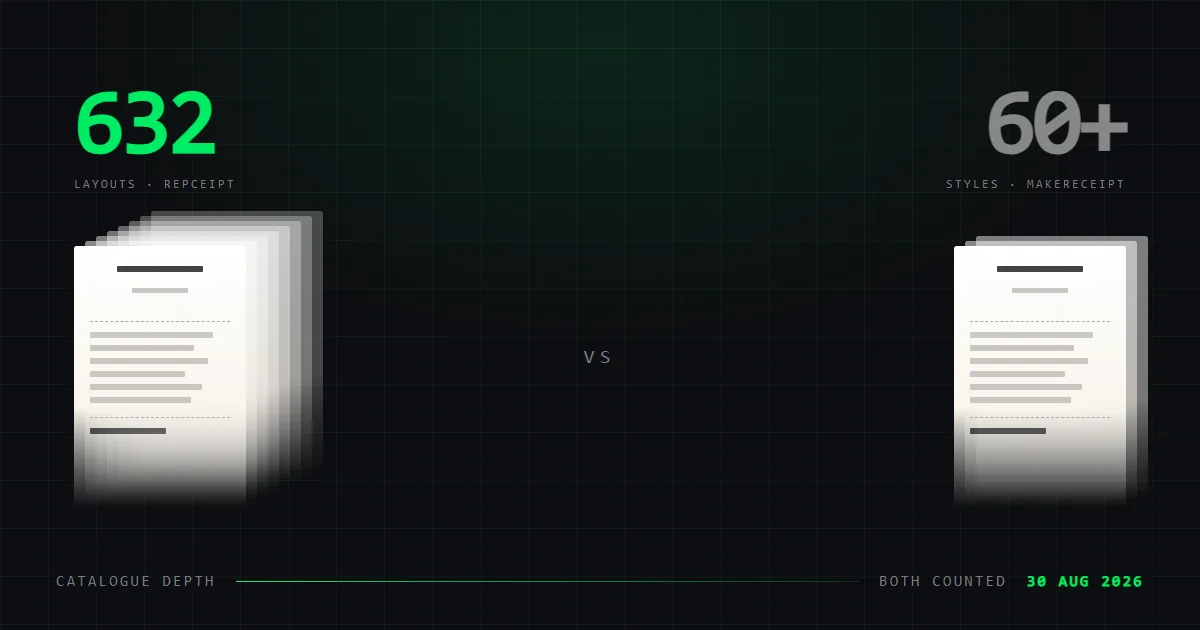
MakeReceipt vs Repceipt: 60+ or 632 layouts?
Repceipt has ten times the catalogue and costs less than MakeReceipt PRO. MakeReceipt has QuickBooks and an API. Twelve features compared, every figure dated.
These two tools do the same job and answer two different questions. MakeReceipt asks how a receipt reaches your accounting system. Repceipt asks which of 632 store layouts you need it to look like.
We make Repceipt, so read this with that in mind. It is marked as ours in the table and in every section. What we can offer instead of neutrality is a method you can check. Every figure here was read off each vendor's own pages on 7 September 2026, and those pages are linked at the end.
The short version
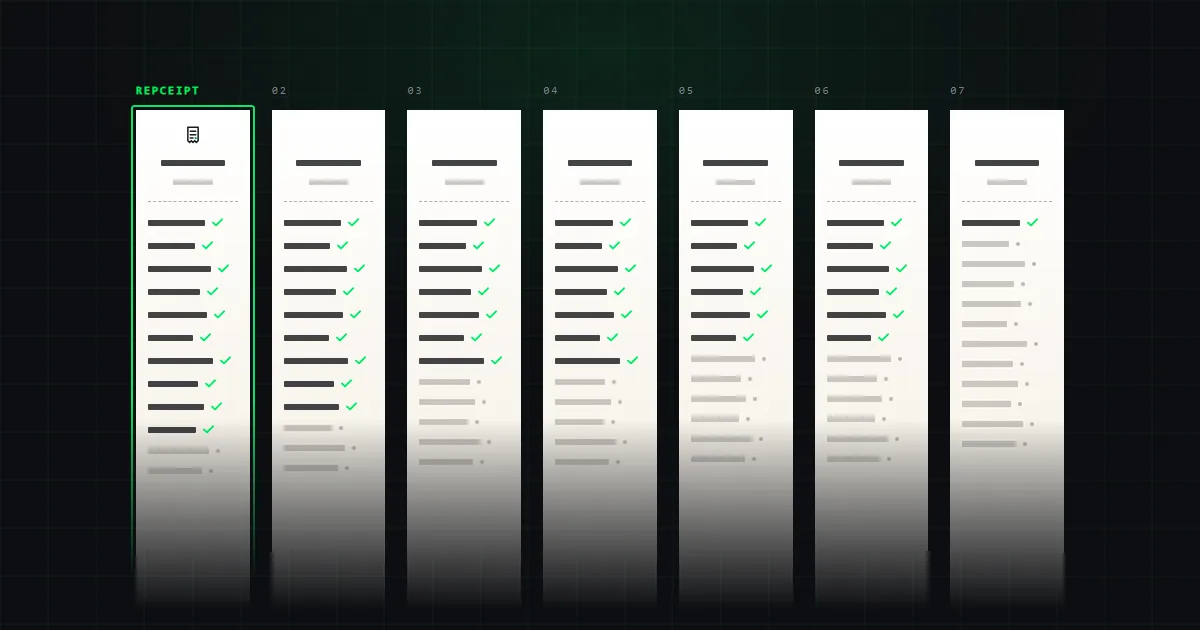
Choose Repceipt if the receipt has to look like a particular shop. Our catalogue is 632 store layouts against MakeReceipt's 60+, roughly ten times the library, and it costs less than MakeReceipt's own full-catalogue tier: $108 a year against its PRO at $119.88. We also export an 80mm thermal PDF from the browser, which MakeReceipt does not advertise at all, and our free tier opens every one of the 632.
Choose MakeReceipt if a receipt has to end up inside QuickBooks, or if you need receipts generated in batches. It is the only tool in this category with a published API and accounting integration, both on its Enterprise tier. We have neither, at any price. Its entry plan is also cheaper than ours at $71.88 a year, though it does not open the whole library.
For most people the catalogue settles it. For the few moving receipts into an accounting system without a person in the loop, the API settles it instead.
The comparison, side by side
Twelve features. Every figure dated and sourced.
| Feature | RepceiptOurs | MakeReceipt |
|---|---|---|
| Receipt templates | 6321 | 60+ |
| Free tier | Full catalogue | Some styles |
| Watermark on free exports | Yes | Yes |
| Works without an account | Yes | Yes |
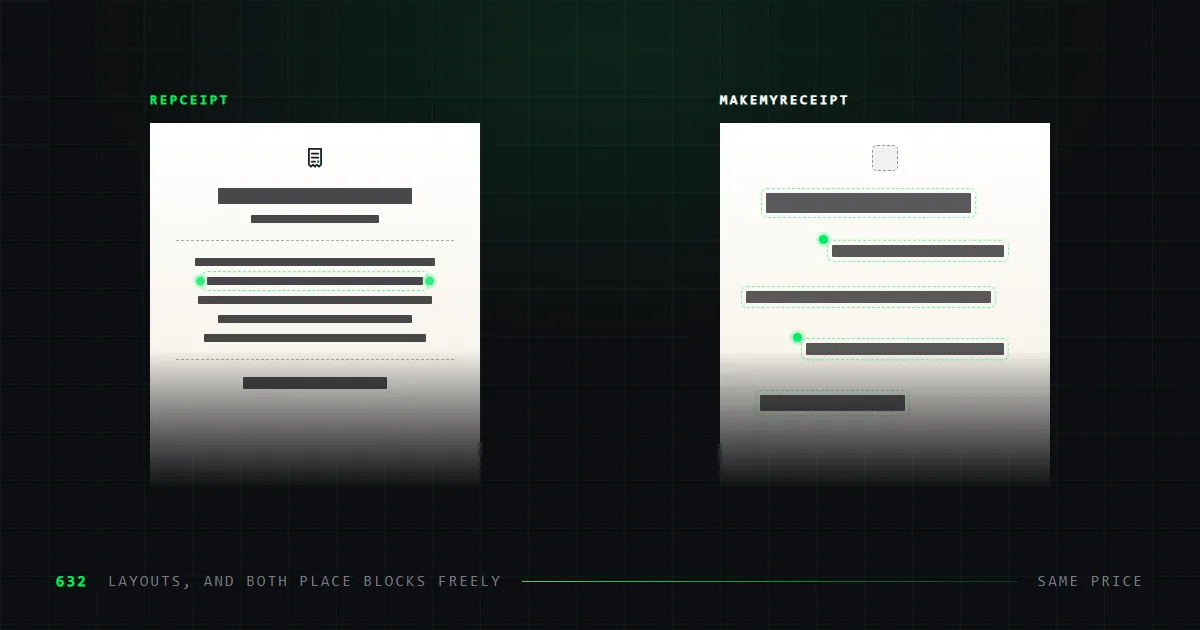
| Free block placement | Full editor2 | Not published |
| Export formats | PNG · PDF · 80mm PDF | Not published |
| 80mm thermal export | Built in | Not published |
| Custom logo upload | Yes | Yes |
| Saved receipts | Unlimited, free | Not published |
| Turns your own receipt into a template | Studio plan | No |
| API or batch generation | No | Enterprise |
| Accounting integration | No | QuickBooks |
- 1Counted from our own sitemap on 3 September 2026, not rounded from the "600+" used elsewhere on this site.
- 2Every element is a block: add, drag with snapping guides, resize, duplicate, lock, hide, reorder in the layer stack, align, delete, undo. Text, dividers, images, logos and barcodes can be inserted anywhere on any template.
60+ styles or 632 layouts?
This is the widest gap between the two, and it is worth being precise about what each number means.
MakeReceipt's own membership page describes its library as "ALL Receipt Styles (60+)". That is the figure it publishes, and reaching all of it takes the PRO tier rather than Standard.
Our catalogue is 632 store layouts, counted from our own sitemap on 7 September 2026. They were redrawn from real receipts rather than designed from scratch. That is why the dashed rules, barcode placement and column positions behave the way paper ones do. We have published the typography measurements and how the layouts are structured.
Whether ten times the catalogue is worth anything depends on your job, and the threshold is lower than it sounds. If you need a receipt that reads as a specific chain, 60+ styles will usually not have it and the question is already settled. Even where any plausible receipt would do, the two counts describe different things. MakeReceipt publishes 60+ styles. We publish 632 layouts, each named after the shop it was drawn from. A library of named shops covers the "any plausible receipt" case as a side effect; the reverse does not hold.
What MakeReceipt does that we do not
Two things, and both are real.
A QuickBooks integration. Its Enterprise tier connects receipts to an accounting system directly. We have no accounting integration of any kind.
An API for batch generation. Also Enterprise. If you need a hundred receipts produced programmatically, that is the tool in this comparison built for it. Our editor is a person clicking on a line and typing.
If either of those describes your work, the rest of this article is beside the point and MakeReceipt is your answer.
What we do that MakeReceipt does not
An 80mm thermal PDF, from the browser. Sized for a thermal receipt printer, alongside PNG and a home-print PDF. MakeReceipt does not advertise thermal output at all.
Uploading a receipt you physically hold. On the Studio plan you can photograph the original and get it back within a day as a template that edits like any other. No tool in this category advertises this.
Saved receipts on the free tier. Unlimited, at no cost, alongside all 632 templates and unlimited exports in every format. MakeReceipt does not state whether it saves receipts at all.
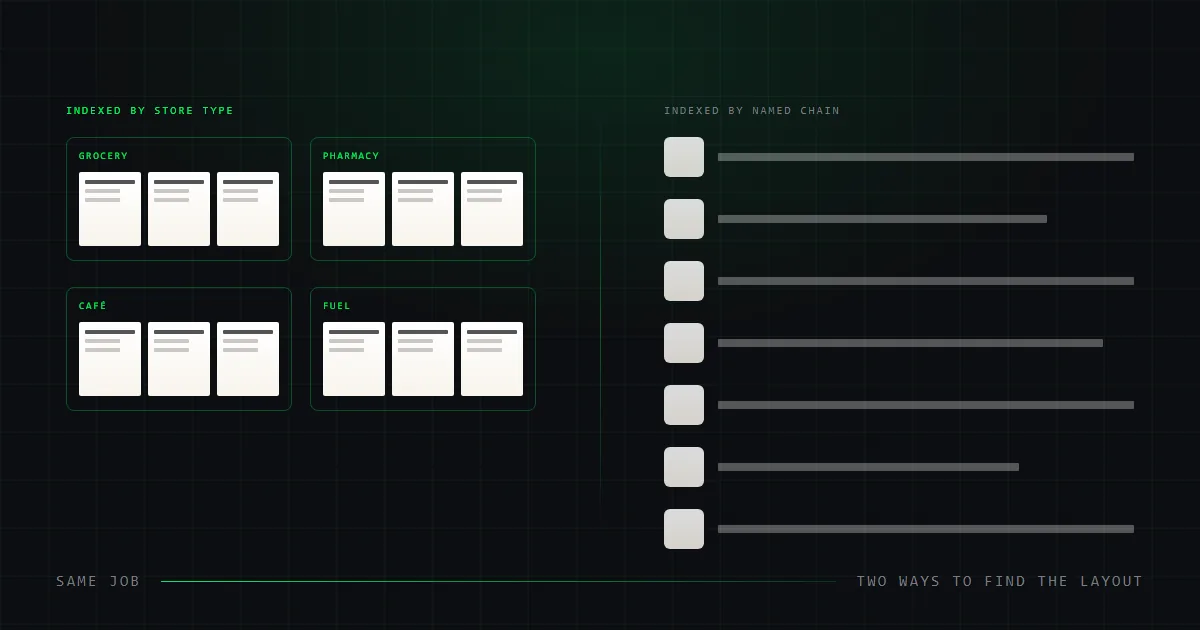
Search by retailer. Our layouts are named after the shops they were drawn from, and the gallery searches templates, brands and categories in one box. MakeReceipt lists styles by name.
Which is cheaper?
Repceipt, on the tier that opens the whole catalogue. MakeReceipt, on entry price. Which answer you want depends on which tiers you are actually comparing.
| MakeReceipt | Repceipt | |
|---|---|---|
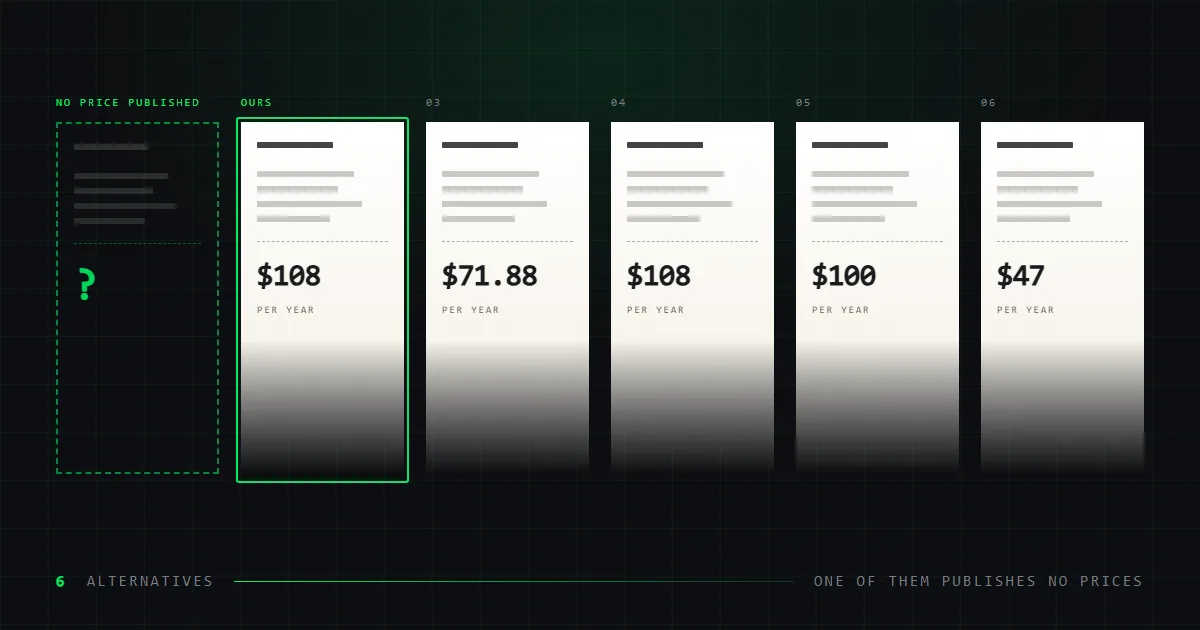
| Entry paid plan | $5.99/mo annually — $71.88/yr | $9/mo annually — $108/yr |
| Full catalogue on that plan | No — Standard is a subset | Yes, all 632 |
| Plan covering everything | PRO, $9.99/mo annually — $119.88/yr | Pro, $108/yr |
| Free tier | Some styles, watermarked | All 632 templates, watermarked |
| Enterprise | $49.99/mo list, API + QuickBooks | None |
Read the second row before the first. MakeReceipt Standard is cheaper than anything we sell, but it does not open the whole library. The tier that does is PRO, at $119.88 a year — $11.88 more than our $108, for a catalogue roughly a tenth the size. Per layout that is about $2.00 against our $0.17. If you are comparing like with like, we are the cheaper of the two.
Prices were captured during a promotion advertising 20% off. The list prices are shown, because a sale price would date this article within weeks. Our own rates are on our pricing page.
What does each free tier give you?
Both are free to start, and neither asks for an account before you open a template. Both watermark what you export. The difference is how much of the product you get to see before paying.
MakeReceipt's free tier covers part of its style library. You can build a receipt and download it watermarked, but the full 60+ set sits behind a paid plan.
Ours opens the entire catalogue. All 632 layouts, unlimited saved receipts, and unlimited exports in all three formats — PNG, home-print PDF and the 80mm thermal PDF. The watermark is the only thing you are paying to remove.
That matters mainly for evaluation, and it is the asymmetry we would weigh hardest. If you want to know whether either tool has the layout you need, ours lets you check all 632 before paying anything. On MakeReceipt you are partly buying to find out.
Switching between them
There is no import or export path between these tools, and neither publishes one. A receipt built in one does not move to the other as an editable document. What transfers is the finished file.
In practice that makes switching cheap, because the work in either tool is minutes rather than hours, and it makes trying ours free: the whole catalogue opens without a card. It also means you can run both. Several people use a batch tool for volume and a catalogue tool for the handful of receipts that need to look like a specific shop, and nothing about either product prevents that.
If you are moving to us from MakeReceipt, the closest equivalent to its style picker is our template gallery. It searches templates, brands and categories from one box, so a shop name gets you there as directly as a style name would.
Which should you choose?
| If you need to | Choose | Why |
|---|---|---|
| Push receipts into QuickBooks | MakeReceipt | The only published accounting integration here. |
| Generate receipts in bulk | MakeReceipt | Enterprise ships an API. We have none. |
| Spend as little as possible | MakeReceipt | Standard at $71.88/yr undercuts us, on a partial library. |
| Pay least for the full catalogue | Repceipt | $108/yr against MakeReceipt PRO at $119.88, for ten times the layouts. |
| Match one specific store | Repceipt | 632 layouts against 60+. |
| Print on 80mm thermal paper | Repceipt | A correctly sized PDF from the browser. |
| Rebuild a receipt you hold | Repceipt Studio | Send a photo, get an editable template back. |
| Save receipts without paying | Repceipt | Unlimited saved receipts on the free tier. |
What we could not verify
- MakeReceipt does not state its export formats. For a tool of this maturity that is a strange omission, and not one we are going to fill in for it.
- It does not state whether receipts can be saved to return to later.
- It does not mention thermal output. The table records that as not published rather than as absent — a tool that never markets a feature may still have it.
- Its prices were captured mid-promotion. List prices are shown.
- We have not tested its exports by hand. Everything here is what the vendor publishes about itself.
Common questions
Is MakeReceipt or Repceipt cheaper?
It depends which tiers you compare. On full catalogues, Repceipt is cheaper: $108 a year against MakeReceipt PRO at $119.88, and ours opens 632 layouts to its 60+. On entry plans, MakeReceipt is cheaper: Standard at $5.99 a month billed annually — $71.88 a year — against our $108, but Standard covers only part of its library.
How many templates does MakeReceipt have?
Its own membership page says "ALL Receipt Styles (60+)". Repceipt has 632 store layouts, counted on 7 September 2026.
Does Repceipt integrate with QuickBooks?
No. MakeReceipt offers a QuickBooks integration and a batch-generation API on its Enterprise tier, and we offer neither. If a receipt has to reach an accounting system without a person moving it, MakeReceipt is the better fit.
Which one exports a thermal receipt?
Repceipt exports an 80mm-wide PDF sized for thermal receipt printers, directly from the browser. MakeReceipt does not advertise thermal output.
Can you try either one free?
Both have free tiers, and both watermark free exports. Ours opens the full catalogue of 632 templates with unlimited saved receipts; MakeReceipt's covers a subset of its styles. Removing the watermark is the reason to pay on either.
Sources
Read on the date shown.
- MakeReceiptmakereceipt.commakereceipt.com/signup-now.phpread 2026-09-03
Repceipt's figures come from its pricing page and template gallery. Both tools appear alongside five others in our full comparison.