MakeMyReceipt vs Repceipt: which one fits?
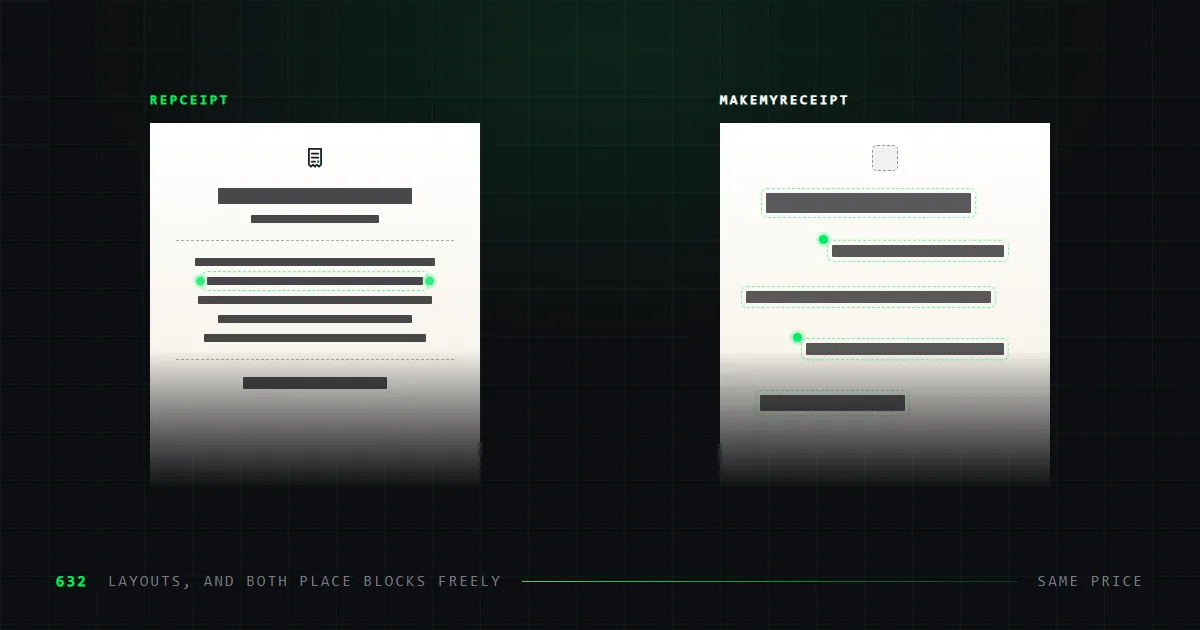
Same price, and both drag blocks on a canvas. Repceipt has 632 drawn layouts, a deeper editor and thermal export; MakeMyReceipt has JPEG and a weekly plan.
These are the two closest tools in this category. Same price, both free to start without an account, and both let you move blocks around the receipt. The difference is where you start from and what comes out at the end.
We make Repceipt, so read this with that in mind. It is marked as ours throughout. Every figure here was read off each vendor's own pages on 3 September 2026, and those pages are linked at the end.
The short version
Choose MakeMyReceipt if you want a JPEG, a paper tint, or a single week's access. It exports JPEG, offers thermal, white and yellow paper styles, and sells a $4.50 weekly plan. We do none of those three.
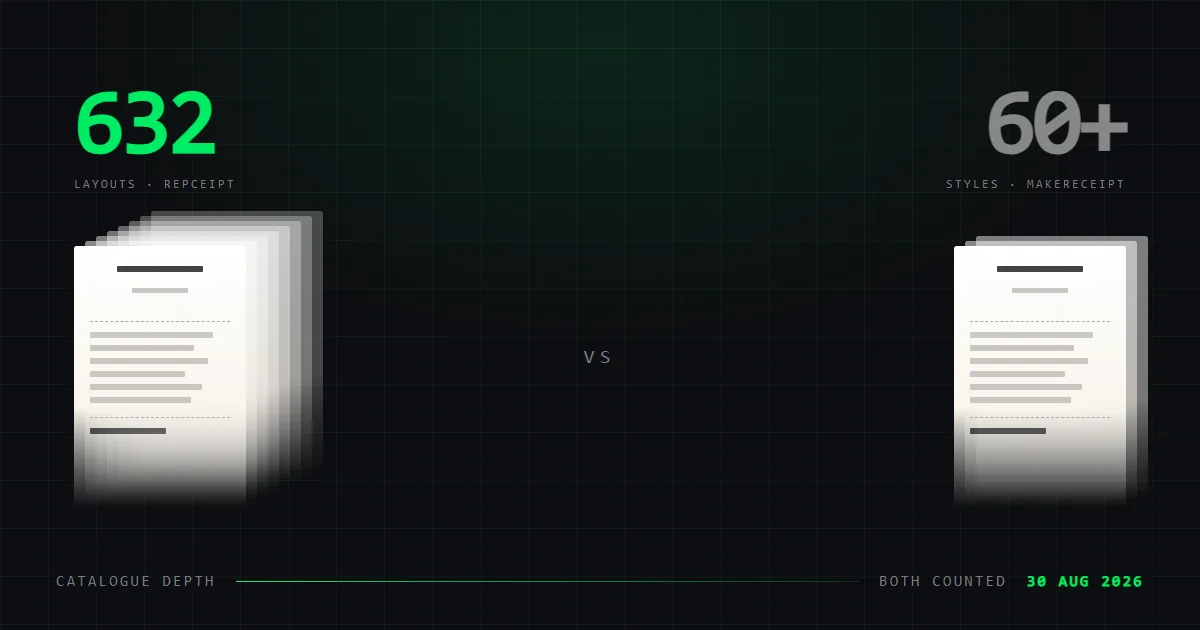
Choose Repceipt for the catalogue, the editor and the print file. 632 store layouts against roughly 195, a full block editor — drag, add, resize, restack, undo — and the only 80mm thermal PDF of the two.
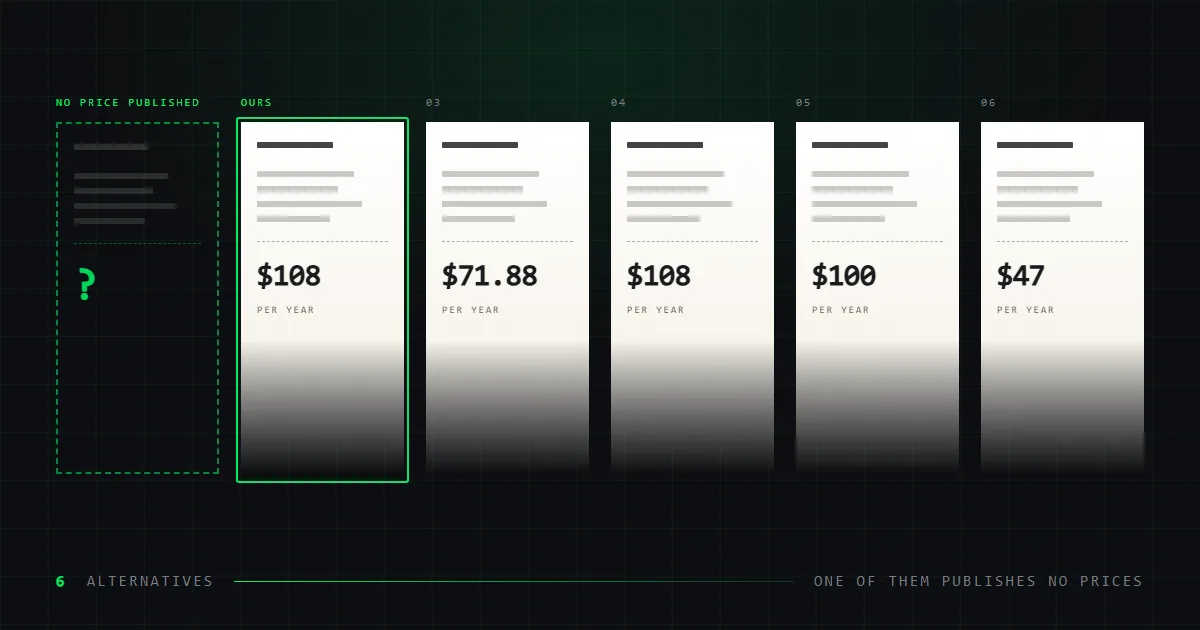
They cost the same: $108 a year, on our annual plan and their monthly rate.
The comparison, side by side
Twelve features. Every figure dated and sourced.
| Feature | RepceiptOurs | MakeMyReceipt |
|---|---|---|
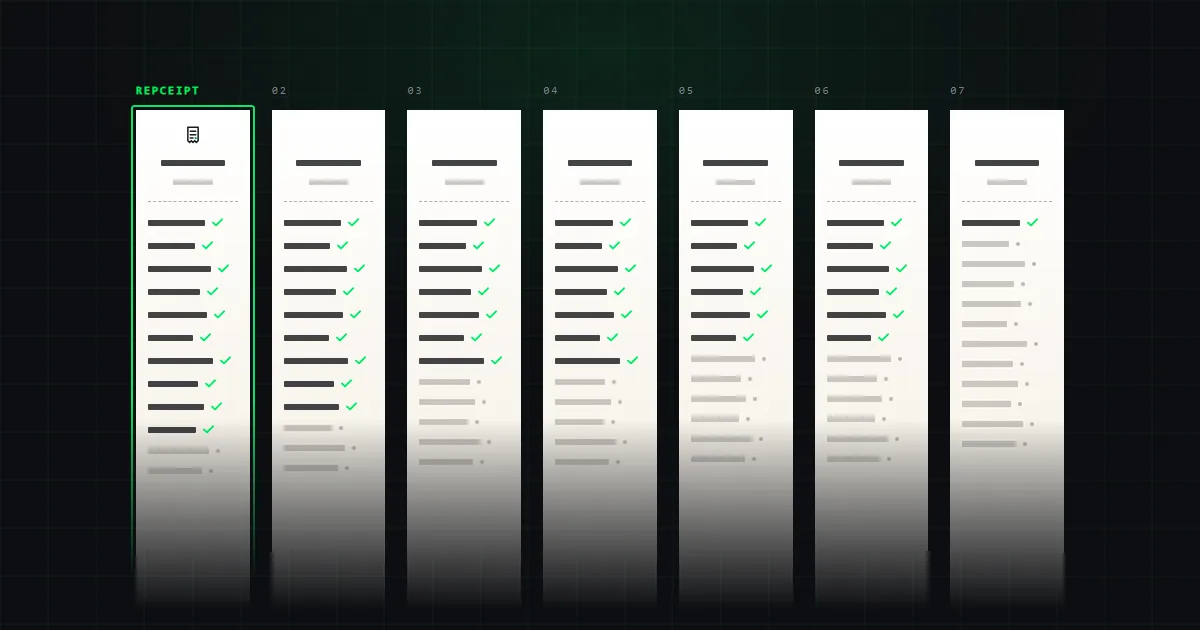
| Receipt templates | 6321 | ~1952 |
| Free tier | Full catalogue | Full builder |
| Watermark on free exports | Yes | Yes |
| Works without an account | Yes | Yes |
| Free block placement | Full editor3 | Drag-and-drop |
| Export formats | PNG · PDF · 80mm PDF | PNG · PDF · JPEG |
| 80mm thermal export | Built in | Paper style only4 |
| Custom logo upload | Yes | Yes |
| Saved receipts | Unlimited, free | Paid plan only |
| Turns your own receipt into a template | Studio plan | No |
| API or batch generation | No | No5 |
| Accounting integration | No | No5 |
- 1Counted from our own sitemap on 3 September 2026, not rounded from the "600+" used elsewhere on this site.
- 2From "See All 197 Templates" on the MakeMyReceipt homepage. Its hero says "150+" and its own blog says "194+", so we cite the largest figure it shows and round it.
- 3Every element is a block: add, drag with snapping guides, resize, duplicate, lock, hide, reorder in the layer stack, align, delete, undo. Text, dividers, images, logos and barcodes can be inserted anywhere on any template.
- 4A thermal paper style changes how the receipt looks on screen. It is not an 80mm-wide file sized for a receipt printer.
- 5Checked directly on MakeMyReceipt’s own site: no API, no accounting integration and no batch generation appear on any plan. Recorded as absent rather than unpublished.
How much can you change the layout?
Both tools move blocks around the receipt. This used to be the split between them and it is not one any more, so it is worth stating exactly what each side does.
MakeMyReceipt publishes drag-and-drop control over where sections sit. Move the total, shift the header, reorder the item rows. If the receipt you are building has an unusual shape, that flexibility is the thing you want, and it is genuine.
Ours is a canvas, and it goes past moving things. Every element on a Repceipt template is a block you can select and drag, with snapping guides and alignment rules as you go. Resize it, duplicate it, lock it, hide it, move it up or down the layer stack, or delete it. Insert new text, dividers, images, logos and barcodes anywhere on the receipt, change the paper size, edit any line in place, and undo the lot.
So the difference is not a fixed layout against a free one. It is where you start. We put you on a layout redrawn from a real receipt — dashed rules, barcode placement and column positions where the paper ones put them — and then let you move all of it. Starting from a drawn layout is faster when the store you need already exists. Starting from a blank arrangement is the answer when it does not.
The thermal question, stated carefully
MakeMyReceipt offers thermal, white and yellow paper styles. The wording invites a misreading worth clearing up, because it cost us a moment to check.
A paper style changes how the receipt looks. The tint and texture behind the ink. It is a visual treatment applied to the image.
An 80mm thermal export is a file dimension. It produces a PDF sized to the width of thermal receipt paper, so it comes out of a receipt printer at the right scale instead of shrunk onto A4.
Both are reasonable features and they are not the same feature. If you are printing to a real thermal printer, only one of them helps, and MakeMyReceipt does not advertise the other. If you are producing an image for a screen, the paper style is the one that matters and we do not offer it.
Catalogue: 195 or 632?
MakeMyReceipt states its own count three different ways: "150+" in its homepage hero, "See All 197 Templates" in its showcase, and "194+" in its blog. We cite the largest figure it shows and round it to roughly 195.
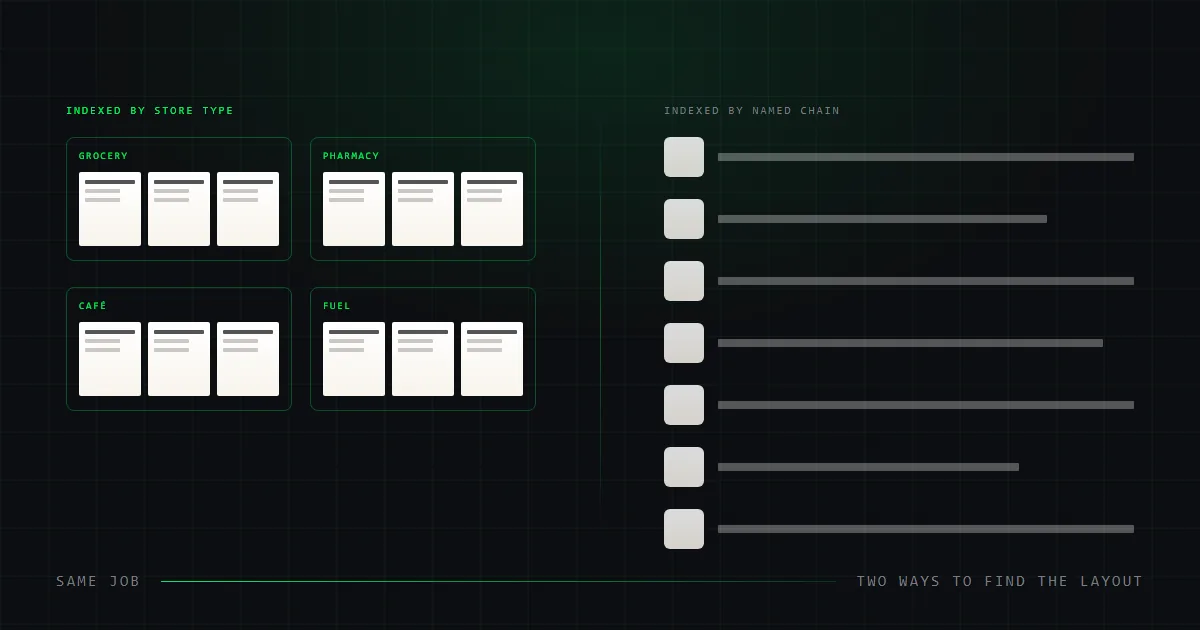
Ours is 632 store layouts, counted from our own sitemap on 3 September 2026, organised by store type — grocery, café, pharmacy, fuel, parking, retail.
Roughly three times the choice. Whether that matters depends on whether the layout you need is in the smaller set, which is a question only a search answers. Both tools let you look before you pay.
What each one has that the other does not
| Only MakeMyReceipt | Only Repceipt |
|---|---|
| Thermal, white and yellow paper styles | 80mm thermal PDF export |
| JPEG export | Upload a receipt you hold, get an editable template |
| A weekly plan, at $4.50 | Unlimited saved receipts on the free tier |
| — | 632 layouts against roughly 195 |
Neither has an API, an accounting integration, or a way to generate receipts in bulk — we checked both sites for all three. If you need them, neither of these is your tool. That is MakeReceipt Enterprise.
What does each one cost?
The same, on the plans most people buy.
| MakeMyReceipt | Repceipt | |
|---|---|---|
| Monthly | $9/mo | $12/mo |
| Annual | No annual rate published | $9/mo — $108/yr |
| Effective yearly | $108 at the monthly rate | $108 |
| Weekly option | $4.50/wk — $234/yr | None |
| Free tier | Full builder, watermarked | All 632 templates, watermarked |
Two notes. MakeMyReceipt publishes no annual discount, so its $108 is twelve months at the monthly price rather than a discounted rate. And its weekly plan works out at $234 a year, which is the most expensive way to buy either tool — worth avoiding unless you genuinely need one week.
Both watermark free exports. Removing the watermark is the reason to pay on either. Our rates are on our pricing page.
What does each free tier give you?
Both are free to start and neither asks for an account first. Both watermark free exports. What differs is how much you can see before paying.
MakeMyReceipt gives you the full builder for free, drag-and-drop placement included. You can lay out a complete receipt and download it watermarked. Saving a receipt to return to later is a paid feature.
Ours opens the whole catalogue and the whole editor — all 632 layouts, every block tool, unlimited exports in all three formats, and unlimited saved receipts at no cost. An account is needed to save, but saving itself is free.
For evaluation this is close to even. Both editors are free to use in full, so the thing worth testing before you pay is whether the layout you need is already drawn.
Switching between them
Neither tool imports the other's work, and neither publishes an export format beyond the finished image or PDF. A receipt built in one does not move across as an editable document.
That matters less than it sounds. Building a receipt in either takes minutes, so switching costs a rebuild rather than a migration. It also means running both is practical — one for the layouts that already exist, the other for the ones that do not.
If you are coming to us from MakeMyReceipt, the editing will feel familiar — select a block, drag it, resize it. The adjustment is that you pick a drawn layout first rather than assembling one from scratch. Our template gallery filters by store type, which is the fastest way to find out whether the shape you need is already there.
Which should you choose?
| If you need to | Choose | Why |
|---|---|---|
| Export JPEG | MakeMyReceipt | We export PNG and PDF only. |
| Tint the paper thermal, white or yellow | MakeMyReceipt | A paper style. We do not offer one. |
| Move, add and resize blocks | Repceipt | Drag with snapping guides, insert text, dividers, logos and barcodes, resize, restack, undo. |
| Print on 80mm thermal paper | Repceipt | A correctly sized PDF. Their "thermal" is a paper look. |
| Match one specific store's layout | Repceipt | 632 layouts against roughly 195. |
| Rebuild a receipt you physically hold | Repceipt Studio | Send a photo, get an editable template back. |
| Save receipts without paying | Repceipt | Unlimited saved receipts on the free tier. |
| Buy access for a single week | MakeMyReceipt | $4.50 weekly. We sell no weekly plan. |
What we could not verify
- MakeMyReceipt states three different template counts across its homepage hero, its showcase and its blog. We cite the largest and round it.
- It publishes no annual rate, so the yearly figure is twelve months at the monthly price rather than a discount it offers.
- We have not tested its exports by hand. Everything here is what the vendor publishes about itself — stronger than a directory listing, weaker than opening the files.
Common questions
Is MakeMyReceipt or Repceipt cheaper?
They cost the same in practice. MakeMyReceipt is $9 a month with no annual discount published, which is $108 a year. Repceipt Pro is $9 a month billed annually, also $108, or $12 month to month. MakeMyReceipt also sells a $4.50 weekly plan, which works out at $234 a year.
Which has more receipt templates?
Repceipt, with 632 store layouts counted on 3 September 2026. MakeMyReceipt around 195, though it states the figure three different ways across its own site.
Does MakeMyReceipt print thermal receipts?
It offers a thermal paper style, which changes how the receipt looks on screen. It does not advertise an 80mm print file. Repceipt exports an 80mm-wide PDF sized for a thermal receipt printer, which is the one that prints correctly.
Can you move things around a Repceipt template?
Yes, anywhere on it. Every element is a block you can select and drag, with snapping guides and alignment rules, then resize, duplicate, lock, hide, restack or delete. You can insert new text, dividers, images, logos and barcodes, change the paper size, and undo any of it. Editing a line in place — store name, items, prices, date, tax — is the fast path, not the limit.
Do both work without an account?
Yes. Both let you open a template and start editing with no signup. On Repceipt an account is only needed to save a receipt and return to it later, and saving is free and unlimited.
Sources
Read on the date shown.
- MakeMyReceiptmakemyreceipt.comread 2026-09-03
Repceipt's figures come from its pricing page and template gallery. Both tools appear alongside five others in our full comparison.