6 best ExpressExpense alternatives in 2026
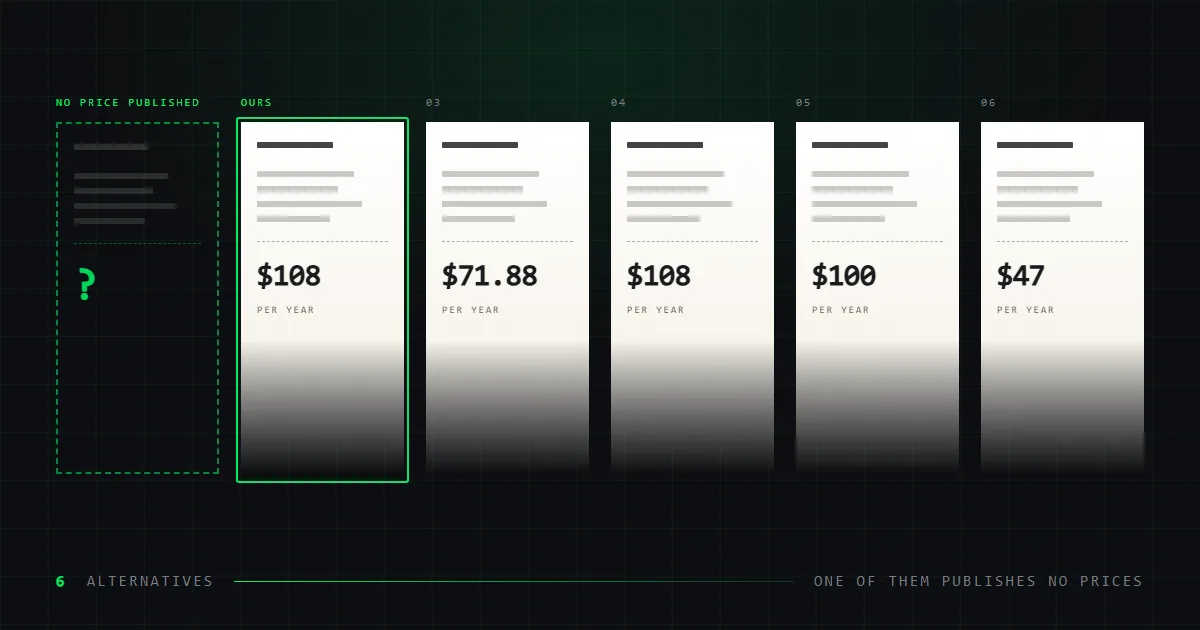
ExpressExpense publishes no prices. Six alternatives that do, compared on catalogue size, exports and watermarks — Repceipt leads with 632 layouts at $108/yr.
ExpressExpense is one of the oldest receipt makers still running, and people look for alternatives to it for a specific reason: it will not tell you what it costs.
We should say up front that we make one of the alternatives. Repceipt is in the table below and marked as ours throughout. What we can offer instead of neutrality is a method you can check. Every figure here was read off each vendor's own live pages on 7 September 2026, and every one of those pages is linked at the end. Where a vendor publishes nothing, this article says so.
The short version
Repceipt covers the most ground of the six, at a price you can read before you pay it. It carries 632 store layouts against roughly 50, exports an 80mm thermal PDF from the browser instead of through an app, opens its whole catalogue on the free tier rather than one watermarked style, and lists at $108 a year. The rest of the field is narrower: SimpleReceiptMaker for a free receipt with no watermark, MakeReceipt Enterprise for QuickBooks and batch generation, MakeMyReceipt for a JPEG or a single week's access, Receiptmakerly for the lowest annual price at $47.
One thing no alternative can fix, and one thing only ExpressExpense does. It publishes no prices, so you cannot compare it on cost without signing up — the one comparison this article cannot make for you. But its companion app prints to Bluetooth thermal printers from a phone, and nothing else in this comparison does that.
What does ExpressExpense actually cost?
It does not say.
We checked its pricing page and its signup page on 7 September 2026. Both describe membership tiers named Standard, PRO and Enterprise. Neither states a figure for any of them.
This matters more than an ordinary gap in a comparison. Specific dollar amounts for ExpressExpense circulate widely, including in a roundup published by one of its direct competitors. Those numbers did not come from ExpressExpense. We have not repeated them here, and you should treat any price you see quoted for it as unverified until the company publishes one.
The same applies to its export formats. ExpressExpense does not state which file types it produces. A competitor's roundup claims JPG only, with no PDF. That may be true. We have not verified it, so it is not in the table.
What ExpressExpense does well
Worth stating plainly before the alternatives, because two of these are real advantages.
Bluetooth thermal printing. Through its companion app, Express Thermal Print, it sends receipts to Bluetooth thermal printers directly from a phone. If you print on thermal paper away from a desk, that is a capability no browser tool matches. It is also narrower than it first sounds: it needs the app, and it needs a printer that speaks Bluetooth. An 80mm PDF, which we export from the browser, prints to any thermal printer the device can already see — USB and network included — and needs nothing installed.
Longevity. It has been running far longer than most tools in this category, and it publishes a substantial blog on receipt handling.
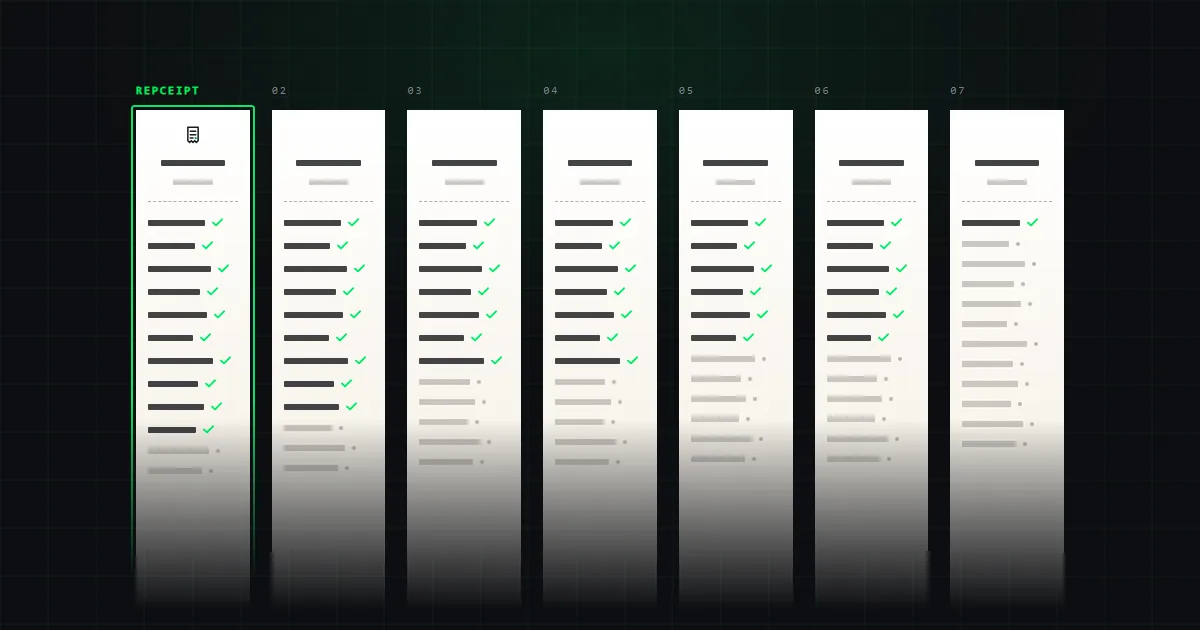
Against that, its free tier is the narrowest here: one receipt style, watermarked. Around 50 templates appear on its homepage, with no total published — the smallest catalogue in this comparison, and about a twelfth of ours.
The comparison table
ExpressExpense against six alternatives, on twelve features. It scrolls sideways.
| Feature | RepceiptOurs | SimpleReceiptMaker | MakeMyReceipt | MakeReceipt | ExpressExpense | ReceiptFaker | Receiptmakerly |
|---|---|---|---|---|---|---|---|
| Receipt templates | 6321 | 130+ | ~1952 | 60+ | 50+3 | 100+ | Not published |
| Free tier | Full catalogue | Everything | Full builder | Some styles | One style | Watermarked | No |
| Watermark on free exports | Yes | No | Yes | Yes | Yes | Yes | No free tier |
| Works without an account | Yes | Yes | Yes | Yes | Yes | Yes | No |
| Free block placement | Full editor4 | Not published | Drag-and-drop | Not published | Not published | Not published | Not published |
| Export formats | PNG · PDF · 80mm PDF | PDF · PNG · JPEG | PNG · PDF · JPEG | Not published | Not published5 | Not published6 | Not published |
| 80mm thermal export | Built in | Not published | Paper style only7 | Not published | Separate app8 | Not published | Not published |
| Custom logo upload | Yes | PNG, JPG, SVG | Yes | Yes | Yes | Yes | Not published |
| Saved receipts | Unlimited, free | In browser | Paid plan only | Not published | Not published | Paid plan only | Not published |
| Turns your own receipt into a template | Studio plan | No | No | No | No | No | No |
| API or batch generation | No | Not published | No9 | Enterprise | Not published | Not published | Not published |
| Accounting integration | No | Not published | No9 | QuickBooks | Not published | Not published | Not published |
- 1Counted from our own sitemap on 3 September 2026, not rounded from the "600+" used elsewhere on this site.
- 2From "See All 197 Templates" on the MakeMyReceipt homepage. Its hero says "150+" and its own blog says "194+", so we cite the largest figure it shows and round it.
- 3Counted from the templates displayed on the ExpressExpense homepage. It publishes no total.
- 4Every element is a block: add, drag with snapping guides, resize, duplicate, lock, hide, reorder in the layer stack, align, delete, undo. Text, dividers, images, logos and barcodes can be inserted anywhere on any template.
- 5ExpressExpense does not state which file formats it exports. A competitor’s roundup claims JPG only; we have not verified that and will not repeat it as fact.
- 6ReceiptFaker’s FAQ asks which formats it exports but the answer is not rendered on the page. Third-party descriptions say PDF, PNG and JPG.
- 7A thermal paper style changes how the receipt looks on screen. It is not an 80mm-wide file sized for a receipt printer.
- 8Through Express Thermal Print, a separate mobile app, to Bluetooth thermal printers — not an export from the browser.
- 9Checked directly on MakeMyReceipt’s own site: no API, no accounting integration and no batch generation appear on any plan. Recorded as absent rather than unpublished.
The six alternatives
Not a ranking. Each one is placed against the job it fits best.
Repceipt — the biggest catalogue, and thermal export in the browser
Ours, so weigh this accordingly.
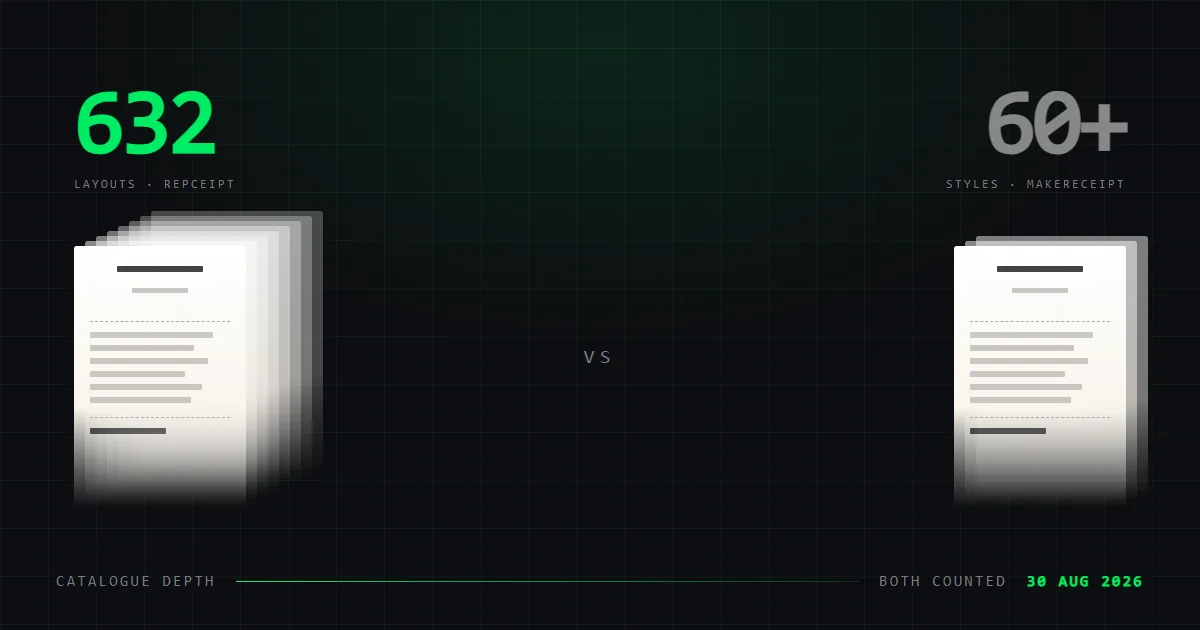
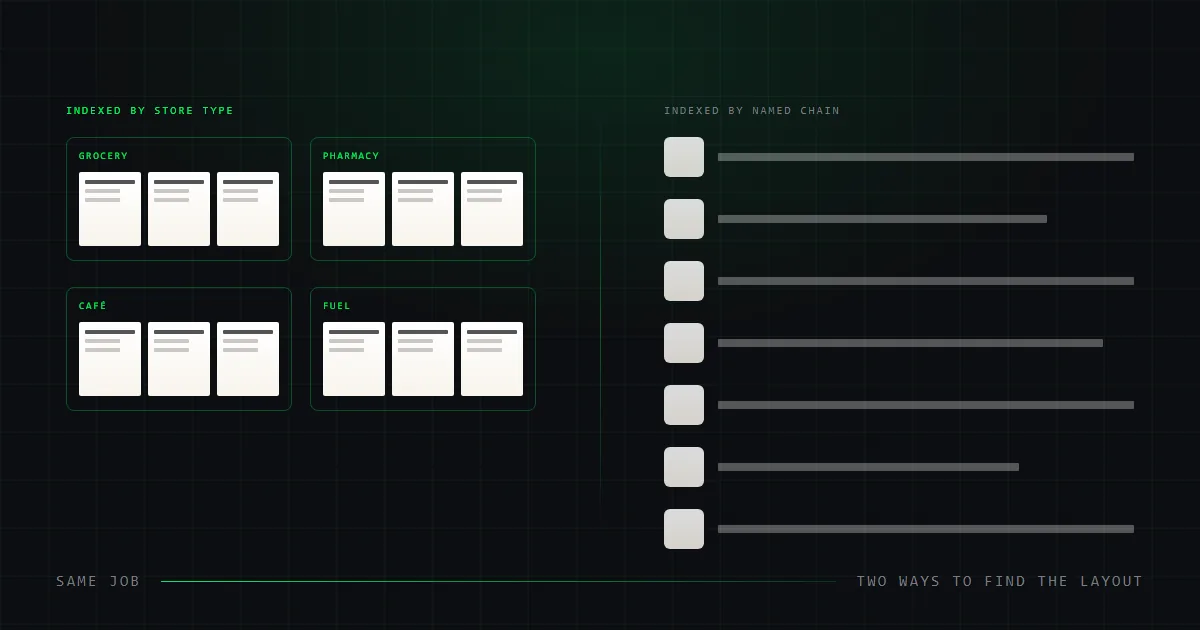
The catalogue is the largest of the seven by a wide margin: 632 store layouts counted on 7 September 2026, against roughly 50 shown on ExpressExpense's homepage. They are named after the retailers they were drawn from and filterable by store type, so you can search for one chain or browse a category. They were redrawn from real receipts rather than invented, which is why the dashed rules, barcode placement and column positions behave the way paper ones do. We have published the measurements behind that and how the layouts are structured.
It exports an 80mm-wide PDF sized for a thermal receipt printer from the browser, alongside PNG and a home-print PDF. That is the closest thing here to ExpressExpense's thermal app, without the app, the install or the Bluetooth requirement. On the Studio plan you can also send a photo of a receipt you hold and get it back within a day as an editable template — the answer when no catalogue carries the layout you need.
The free tier is the widest here too: all 632 templates, unlimited saved receipts and unlimited exports in all three formats, watermarked. That is the whole product to evaluate against ExpressExpense's single free style.
The price is public and it is not the lowest: $108 a year for Pro. Three tools in this table undercut that on paper, though ExpressExpense is not one of them — it publishes nothing to compare.
SimpleReceiptMaker — free, with no watermark
The only tool here that exports a clean receipt for nothing. Its homepage states "Free · No watermark · No account needed". It offers 130+ templates as PDF, PNG or JPEG. The logo upload takes SVG as well as raster formats.
Against ExpressExpense's one free watermarked style, that is a straightforward win for anyone who needs a receipt occasionally. It publishes nothing about thermal output, saved receipts or an API.
MakeReceipt — QuickBooks and batch generation
The only tool here with a published integration story. Its membership page lists an Enterprise tier with a QuickBooks integration and an API for generating receipts in batches. We offer neither at any price.
It also publishes its prices, which is the point of this article. Standard is $5.99 a month billed annually, or $71.88 a year. The full library is 60+ styles, and reaching all of it takes PRO at $9.99 a month annually — $119.88 a year. That is a small catalogue for the money, but you can at least see the money.
MakeMyReceipt — JPEG, paper tints and a weekly plan
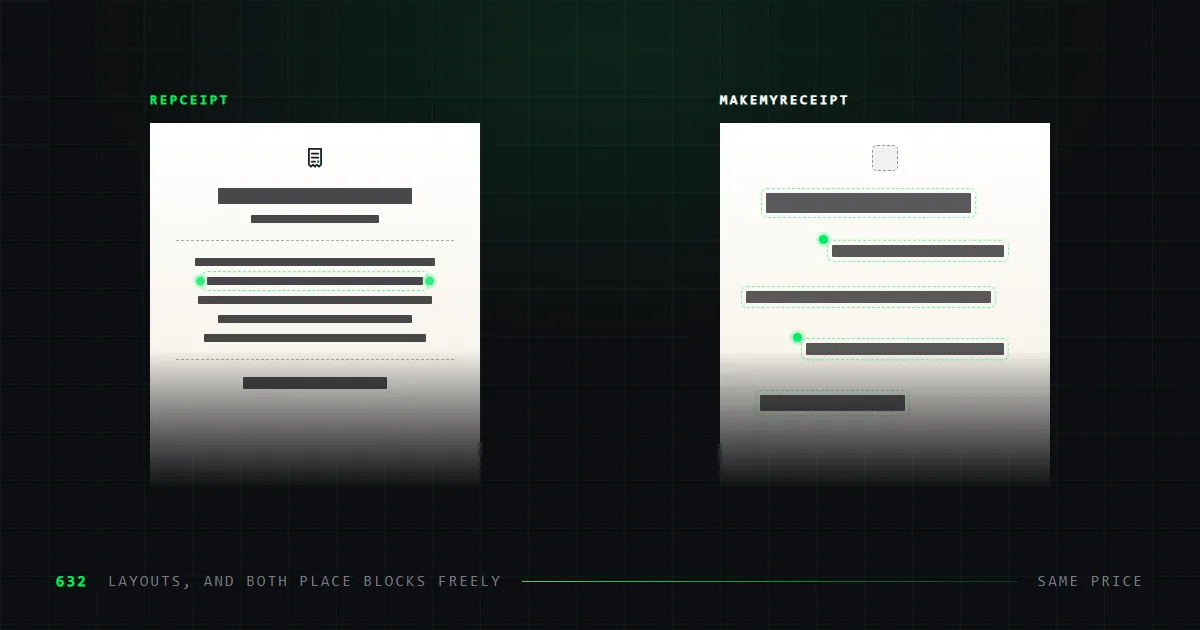
MakeMyReceipt lets you drag sections around the receipt rather than filling a fixed form, which our editor also does and ExpressExpense does not advertise.
Around 195 templates, exports as PNG, PDF or JPEG, no signup to start, $9 a month. It also offers thermal, white and yellow paper styles. Read that carefully: it changes how the receipt looks, not the size of the file. It is not an 80mm print file and will not feed a thermal printer correctly.
ReceiptFaker — indexed by named chain
Where most tools here organise by store type, this one leads with named national chains: Target, Walmart, Costco, CVS, Best Buy. If you want one specific retailer rather than a plausible one of its kind, that shape helps — though on a 100-template library it runs out quickly, and our own layouts carry retailer names too. We compare the two directly in our ReceiptFaker alternatives guide.
100+ templates and published pricing across weekly, monthly and annual plans — $100 a year at list. Its FAQ raises the export-formats question but the answer does not render on the page, so the table records that as unpublished.
Receiptmakerly — the lowest annual price
$47 a year, or $8.90 a month, from its pricing page. That is the cheapest paid plan in this comparison by a wide margin.
It is also the only tool here with no free tier. The price is what you pay to find out whether it suits you. And it publishes the least of any tool in this table: no template count, no export formats, nothing about logo upload.
Which alternative should you choose?
| If ExpressExpense fell short on | Move to | Why |
|---|---|---|
| Not knowing the price | Any of the six | All six publish rates. Receiptmakerly is lowest at $47/yr, MakeReceipt Standard next at $71.88. |
| The free tier being one style | SimpleReceiptMaker | Watermark-free exports, no account, 130+ templates. |
| Catalogue size | Repceipt | 632 layouts against roughly 50. |
| Needing thermal output without the app | Repceipt | An 80mm PDF straight from the browser. |
| Accounting integration | MakeReceipt Enterprise | The only published API and QuickBooks link here. |
| Layout rigidity | Repceipt or MakeMyReceipt | Both move blocks around the receipt rather than filling a fixed form. Ours also inserts, resizes and restacks them. |
If Bluetooth printing from a phone is the whole job, staying put is reasonable — that capability is genuine and no alternative in this table replaces it. Everything else on the list points away, and you would still be paying a rate the company will not print.
What we could not verify
- ExpressExpense publishes no prices. Neither its pricing page nor its signup page states a figure. Numbers quoted for it elsewhere did not come from the company.
- ExpressExpense does not state its export formats. A competitor's roundup claims JPG only. We have not tested it and will not repeat it as fact.
- Its template count is our count. Roughly 50 from the homepage grid. It publishes no total.
- MakeReceipt, Receiptmakerly and ReceiptFaker also omit export formats.
- We have not tested any competitor's exports by hand. Everything here is what each vendor publishes about itself. That is stronger than a directory listing and weaker than opening the files.
Common questions
Is ExpressExpense free?
Partly. It offers one free receipt style, and free exports carry a watermark. Reaching the rest of its templates requires a paid membership whose price it does not publish.
What is the best free alternative to ExpressExpense?
SimpleReceiptMaker, if a clean file at no cost is the only thing that matters: it exports without a watermark, needs no account, and offers 130+ templates. Repceipt's free tier is the larger one by every other measure — all 632 templates, unlimited saved receipts and unlimited exports including the 80mm thermal PDF — but those exports are watermarked. Either beats ExpressExpense's one free style.
Which ExpressExpense alternative supports thermal printing?
Repceipt exports an 80mm-wide PDF sized for thermal receipt printers directly from the browser, with nothing to install and no restriction on how the printer connects. ExpressExpense prints to Bluetooth thermal printers through a separate mobile app, which wins when the printer is in your hand and loses when it is on a desk. No other tool in this comparison advertises thermal output at all.
Does any alternative integrate with QuickBooks?
MakeReceipt does, on its Enterprise tier, alongside an API for batch generation. It is the only one here that publishes an accounting integration. Repceipt has neither.
Is it legal to use a receipt generator?
Yes, for legitimate purposes — replacing a receipt you lost, digitising paper records, or building mockups for design and testing. Every tool in this comparison, ours included, restricts itself in writing to that kind of use. A generated receipt is a mockup and not proof of purchase. If you have lost a receipt you actually need, start with the steps that recover the original.
Sources
Every figure above was read from these pages on the dates shown.
- SimpleReceiptMakersimplereceiptmaker.comread 2026-09-03
- MakeMyReceiptmakemyreceipt.comread 2026-09-03
- MakeReceiptmakereceipt.commakereceipt.com/signup-now.phpread 2026-09-03
- ExpressExpenseexpressexpense.comexpressexpense.com/pricingread 2026-09-03
- ReceiptFakerreceiptfaker.comreceiptfaker.com/pricingread 2026-09-03
- Receiptmakerlyreceiptmakerly.com/pricingread 2026-09-03
Repceipt's own figures come from its pricing page and template gallery. A wider view of the same seven tools is in our full comparison.