01 — FIND
Browse real layouts, not blank canvases
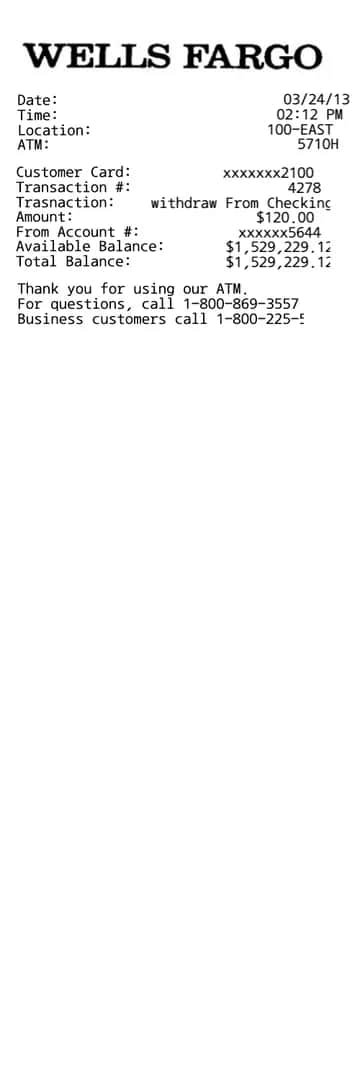
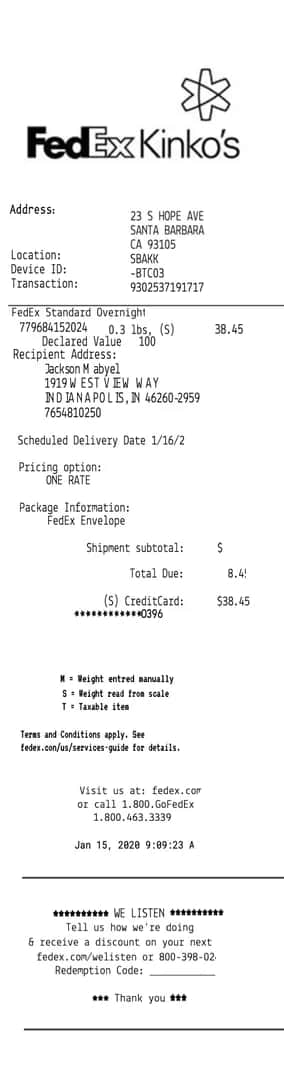
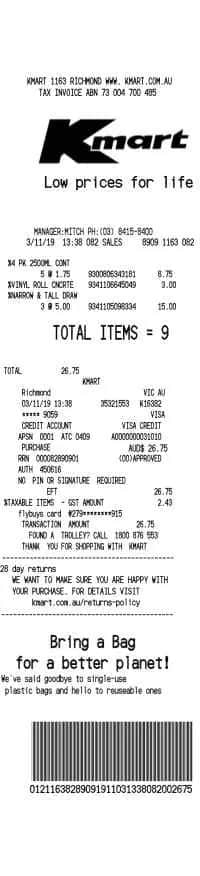
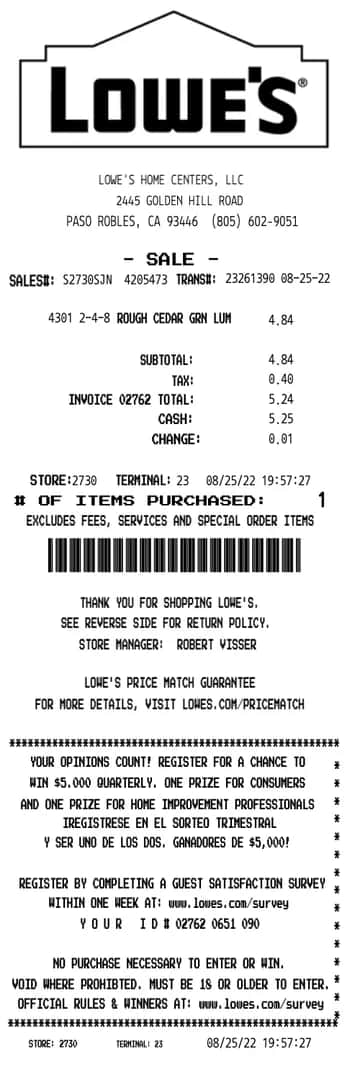
The gallery is organized by store type — grocery, café, pharmacy, gas, parking, retail. Filter, preview at full size, and open the one that matches.
600+ templates · 10+ categories
The gallery is organized by store type — grocery, café, pharmacy, gas, parking, retail. Filter, preview at full size, and open the one that matches.
Every line on the receipt is directly editable — store name, items, prices, date, tax. Totals recalculate as you type. There is no toolbar to learn.
PNG for sharing, PDF for records, or an 80mm-wide print file that comes out of a thermal printer looking like the real thing.
Photograph a real receipt and we convert it into a template you can edit — same layout, same fonts, same line items. Ready within 24 hours.
How uploads workExample conversion
Line items, totals, store header, fonts and spacing all come across — then you change whatever you need.
store templates across over 10 categories
receipts exported last month
average time from open to download
“I found our café’s exact layout, changed four lines, and printed it before the espresso finished pulling.”
“Expense reports used to mean re-typing lost receipts into a spreadsheet. Now I rebuild the receipt itself in a minute.”
“We mock up realistic receipts for usability tests weekly. Nothing else gets the details — the barcode, the dashed rules — right.”
We offer a variety of templates, including sneaker receipts, luxury receipts, restaurant receipts, and more.
No. Open any template and start editing immediately. An account is only needed if you want to save your edits and come back to them later.
Yes — every line is editable, and subtotal, tax, and total recalculate automatically as you change items. You can also override any computed value by hand.
Yes, Repceipt allows you to upload a custom logo and personalize your receipt to match your business or personal needs.
PNG and PDF at print resolution, plus an 80mm-wide file sized for thermal receipt printers.
Yes, currently it is 100% free to use. To remove the watermark, you need to upgrade to a paid plan.
Yes, our tool works on both desktop and mobile devices, making it easy to create receipts on the go.
Start from the closest layout and edit the header, or request the store — we add the most-requested templates every month. On the Studio plan you can also send us a photo of the real receipt and we convert it into an editable template within 24 hours.
Yes, using Repceipt is completely legal when used for legitimate purposes. Our tool is meant for generating replacement receipts for lost originals, digitalizing paper receipts, and creating mockups for business use. For creative, educational, and business use only — prohibited for fraudulent or illegal purposes.