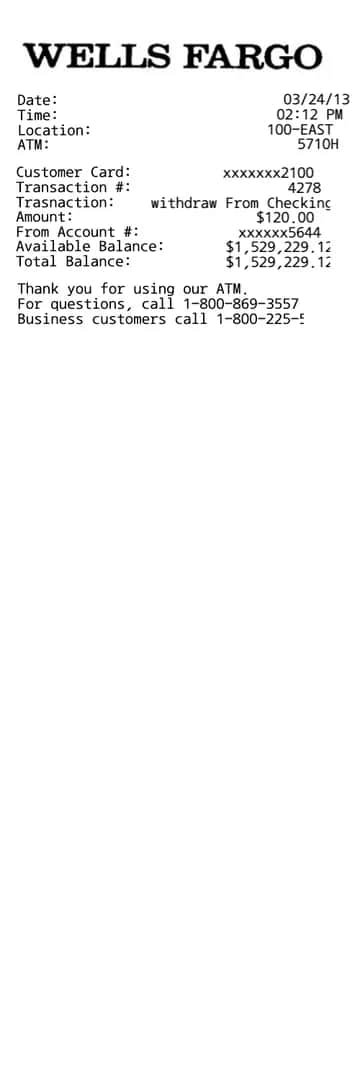
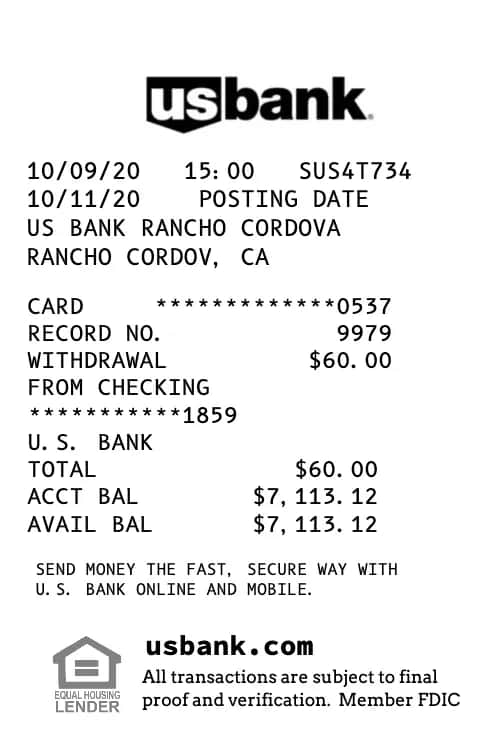
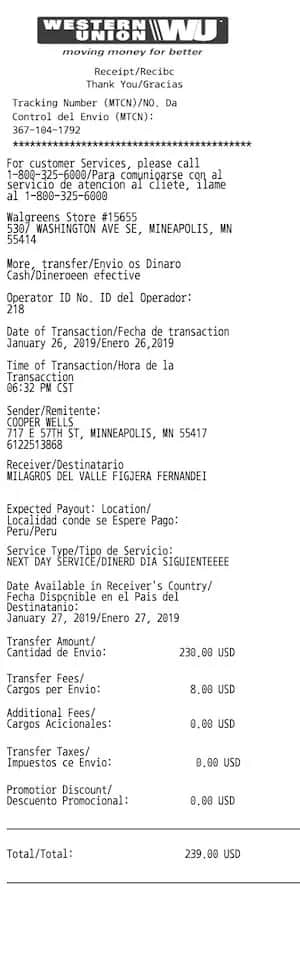
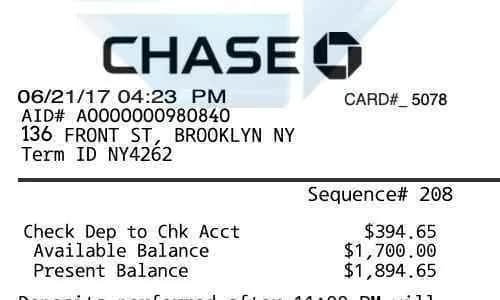
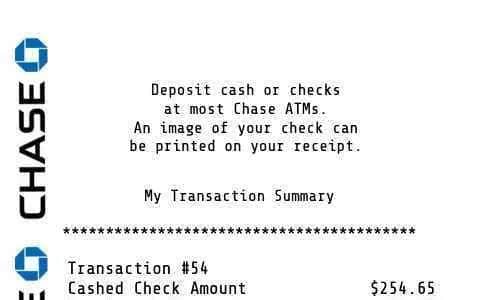
Chase bank statement template
Chase BankUpdated
Need a custom Chase Bank Statement? Repceipt lets you edit every field in your browser and export a professional finance receipt in minutes.
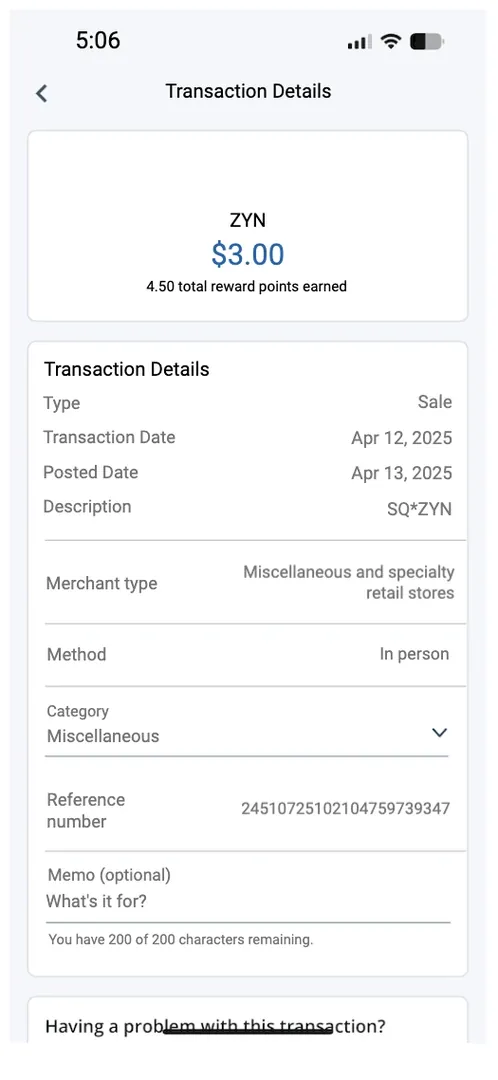
About this template
Chase bank statement template is a finance receipt template redrawn from a real receipt and editable line by line. The layout is drawn at 525 × 1138 pixels — a short slip. Its 20 editable elements are 18 text fields, a date-and-time stamp and a store logo. Type is set in Roboto, at sizes from 15 to 31 px.
How to make a Chase Bank Statement
Three steps, no design software and no account.
Step 1
Start from this template
Open it in the editor, or browse the catalogue if another layout sits closer to what you need.
Step 2
Add your information
Edit line items, prices, dates and payment details directly on the receipt. Totals recalculate as you type.
Step 3
Export it
Download a PNG, a print-resolution PDF, or an 80mm file sized for a thermal receipt printer.
Questions about the Chase Bank Statement
How many fields can I edit on the Chase Bank Statement?
20 editable elements — 18 text fields, a date-and-time stamp and a store logo. Every one of them can be retyped, moved or removed.
What fonts does the Chase Bank Statement use?
It is typeset in Roboto, set at sizes from 15 to 31 px. Receipt faces are usually monospaced so that prices stay in a column, and swapping one for a proportional face is the fastest way to make a finance receipt look wrong.
What formats can I export?
PNG and PDF at print resolution, plus an 80mm-wide file sized for thermal receipt printers.
Is Repceipt free to use?
Yes, currently it is 100% free to use. To remove the watermark, you need to upgrade to a paid plan.
How this template was made
Source
Redrawn by the Repceipt team from a real Chase Bank receipt, then rebuilt as an editable document.
Figures on this page
Field counts, canvas size and typefaces are read directly from that file, so they always describe what opens in the editor rather than what someone typed into a description.
Typefaces
We measured every template in the library: what fonts are on receipts and how receipts are designed.
Spotted something that does not match the real receipt? Tell us.
Similar Templates
More receipts from the same brand and related categories.